

Google Ads and Microsoft Ads
Google Ads management measured on calls, leads and booked jobs
We build and run Google Ads and Microsoft Ads search campaigns for businesses in the USA and Canada. Every call and form from an ad is tracked to its source, and when your team records bookings in your CRM, we count the jobs booked from each one, so you see which searches bring in paying customers. The ad account is in your name, and you pay Google directly.
The problem
Paying for clicks without knowing which ones became customers
If you have run Google Ads before, on your own or with an agency, you know what a click costs. A clicks report doesn’t tell you which ads brought in paying customers, or what each of those customers cost you.
Signs your ad budget needs a closer look
Conversions that don't match your sales
Google Ads reports conversions, but your team counts far fewer real inquiries, and no one can say which searches turned into booked work.
Leads bought from lead sellers
You pay for each lead, the same lead goes to several companies, and the customers you win never become a list you own.
An account you can't see into
A previous agency set the account up in its own name, or its reports show clicks and impressions but no calls or jobs.
Budget spent on the wrong searches
Your ads show for job seekers, do-it-yourself questions and towns you don’t serve, and the daily budget runs out before the phone rings.
Ownership
Your account, your data, and a fee separate from your ad spend
Before any campaign runs, we set up the parts that protect you if we ever part ways.
The account is in your name
We create the Google Ads and Microsoft Ads accounts for your business, or take over the ones you have. You are the owner, we are added as the manager, and you pay Google and Microsoft with your own card.
No markup on your clicks
Our management fee is separate from your ad spend. Every dollar of media goes straight to Google or Microsoft, and you see it on their invoices, not ours.
Everything stays with you
The account history, conversion tracking, call tracking and reports stay yours if we part ways. Old campaigns are paused, never deleted, so the history is kept.
What's included
What our Google Ads management covers
Every account we manage gets the same groundwork. The research decides how the budget is split between services, towns and the two platforms.
Research and budget math
Search volumes and current bids for your services and towns, from Google’s Keyword Planner, and what your budget can buy before anything is spent. If the budget is too small for your market, we tell you.
Search campaigns built by hand
Campaigns by service and location, with exact and phrase match keywords, shown on Google Search only at launch. We set the bids ourselves until the account has enough real conversions for Google’s automated bidding.
Negative keywords before launch
Searches you don’t want to pay for are blocked from the first day: job seekers, do-it-yourself questions, parts and wholesale, towns you don’t serve. After launch we keep reading the search terms and block what doesn’t fit.
Ads written for each service
Two ads for each group of keywords, written for the service and the town, with sitelinks to real pages on your site, callouts and the location from your Google Business Profile.
Conversion tracking you can check
Google Ads tags for every form and call, each tested with a real inquiry before launch, so the account counts actual inquiries, not button clicks or page views.
Booked jobs sent back to Google Ads
When your CRM records which ad click a lead came from, we send qualified leads and booked jobs back to Google Ads, so it learns which searches bring in customers.
Microsoft Ads, built on their own
Where your customers use Bing, we build Microsoft Ads campaigns in Microsoft’s own platform instead of importing the Google ones, so the keywords, bids and settings fit that network.
Landing pages when an ad needs one
A fast page for the service in the ad, with your number on every screen and a short form, built by our web team.
Process
How we launch and run your Google Ads account
-
Discovery
We start with what a good lead means for you: the services and towns you want more of, the jobs you’d rather not get, your hours and who answers the phone, and your monthly ad budget.
-
Research
We pull search volumes and current bids for your services and towns, and show you what the budget can buy before anything runs.
-
Build and test
We build the account in your name, set up the tracking and test it with a real form and a real call, then write the ads and send them for Google’s review with the campaigns paused.
-
Launch and tune
After launch we read the search terms, block what doesn’t fit and move bids toward the searches that bring inquiries. Bids and budgets change in small steps.
-
Report every month
Each month you see spend, calls, forms and booked jobs by campaign, what we changed and what comes next.
Reporting
How we measure your Google Ads
Each month you get a report for every location: calls and forms from Google Ads and Microsoft Ads, the inquiries that were not real leads, and the jobs your team booked from the rest. No one can guarantee a cost per lead or a fixed spot on Google. What we promise is the work, done well, and an honest report on whether it's paying off.
October report
One report per location
Jobs booked from ads
14 in October
Inquiries from ads
What changed
- Most booked jobs came from "garage door repair" searches, so they got more of the budget.
- Six spam and sales calls were left out of the lead count.
Portfolio
Results from our home services portfolio
- Home services
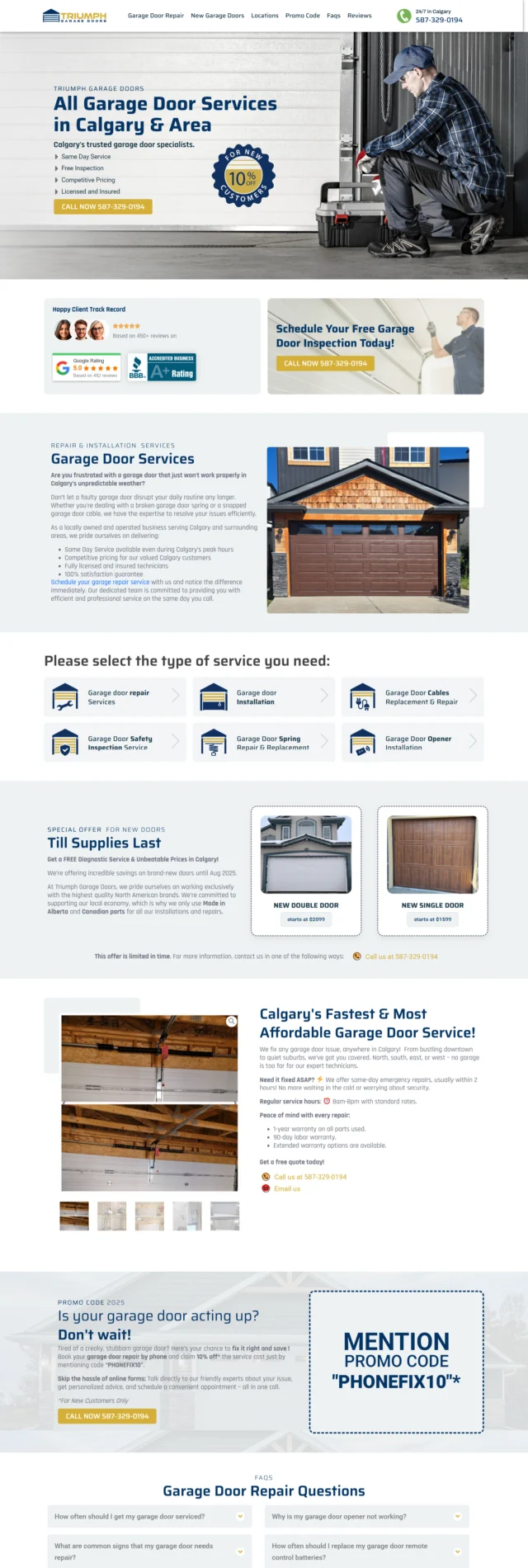
Triumph Garage Doors
Home Services Marketing
25%Conversion Rate 300%ROASVisit the site -
-
- Home services
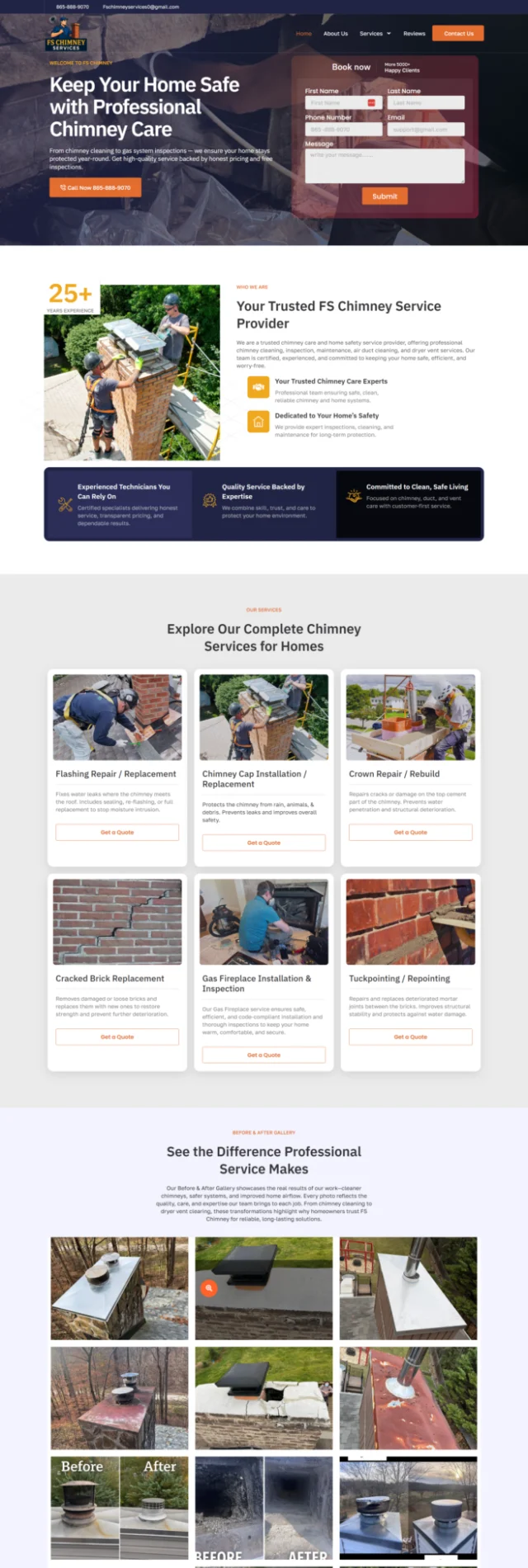
Flue Experts
Home Services Marketing
4-10Leads per day 9%Conversion RateVisit the site

Industries
Google Ads for senior living, healthcare and home services
Senior living
A campaign for each community and care type, within Google's ad rules for housing and health, measured on calls and tour requests.
See senior living Google AdsHealthcare
Campaigns for clinics and practices that stay within Google's healthcare ad policies, measured on appointment requests.
See healthcare Google AdsHome services
Google Ads and Local Services Ads for the jobs you want more of, measured on calls and booked jobs.
See home services marketing- Team
- 17 Marketing Experts
- Experience
- 200+ Years of Combined Experience
- Reach
- 25 Industries Served
- Outcome
- $100M+ Revenue Generated
Team
The team behind your ads
-
Liudmila Kaushovik Paid Media Specialist

-
Alina Demidchik Digital Strategist

-
Olga Krutovtsova CRM Manager

Client words
What it's like working with us
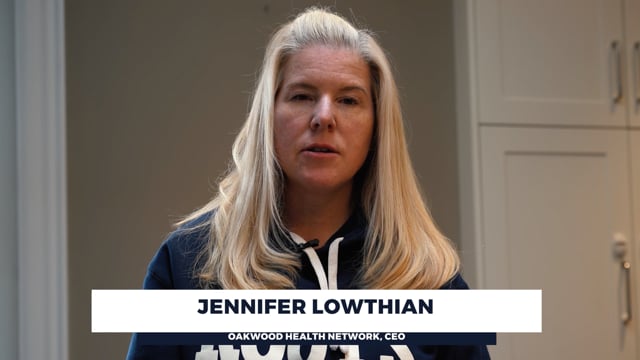 Watch Jennifer's review
“I can confidently say that working with them is profitable. If you are looking for strategic partner, I would highly recommend working with Roman.Agency”
Big brands, multiple stakeholders and approvals
“While I was Chief Creative Officer of Ogilvy Canada, Roman and I worked together on the Mondelez account. Roman showed technical expertise in SEO while understanding the marketing goals of the campaign. Most importantly, he demonstrated the ability to deliver results while working on a project with multiple decision-makers and stakeholders. If you have an SEO-related project, I would highly recommend them.”
More from our clients
A very professional and dedicated company! Roman and his staff is exceptional and always willing to help and optimize the service provided.
Our company decided to try a new ad campaign to improve our conversion rate. Frankly, I was starting to get discouraged with crazy PPC prices. Roman not only explained all the benefits of different types of advertising but also chose the most effective one for our business. The results of our PPC campaign were good enough for us to sign a long-term contract with them. They are all about ROI.
I needed to create a website for my project, but I didn’t think it would be so difficult to find someone who would provide good service. Roman's team, however, did an excellent job and was right on schedule. Our website is now even better than I had hoped to see. Their work was outstanding!
Hire them to help with the website and YouTube Promotion. After years of working with "music promoters" they were a breath of fresh air. Finally our subscribers started to grow and we could see actual effect of marketing, not just paid views.
FAQ
Questions about Google Ads management
Who owns the Google Ads account?
You do. We create the account in your business’s name, or take over the one you have, and we are added as the manager. You pay Google directly with your own card. If we part ways, the account, its history and the tracking stay with you.
What does Google Ads management cost on top of ad spend?
Our management fee is separate from your ad spend, which you pay to Google and Microsoft directly, so there is no markup on clicks. We quote the fee once we know your services, towns and budget. To start, send us your website through the online presence check on this page.
How soon will we get leads?
A new account usually starts running within about two weeks of getting access and billing set up, and paid search can bring calls in the first weeks. In those weeks we read the search terms, block what doesn’t fit and adjust bids in small steps. We judge the account on leads and booked jobs over months, not days.
How do you know which leads became customers?
Every form and call from an ad is recorded with its source. When your CRM keeps the ad click with each lead, we send qualified leads and booked jobs back to Google Ads, so the account learns which searches bring in customers. Our lead tracking page explains how this works with your CRM.
Do you offer Microsoft Ads (Bing Ads) management?
Yes, where your customers use Bing. We build Microsoft Ads campaigns in Microsoft’s own platform rather than importing them from Google, and we measure them the same way, on calls, forms and booked jobs. Microsoft usually gets a smaller share of the budget than Google.
We already run Google Ads. Can you take over the account?
Yes. We start with a Google Ads audit of the settings, keywords, search terms, ads and conversion tracking, and tell you whether to fix the account or rebuild it. Either way, old campaigns are paused, not deleted, so you keep the history.
Can you guarantee a cost per lead?
No. Bids move with competition, season and your market, and no one controls them. Before launch we show you what your budget can buy at current bids, and each month the report shows what each lead cost, and what each booked job cost where your team records bookings.
Who will run our account?
Our paid media team, the people shown on this page. We keep a dated log of every change and the reason for it, and the account’s change history shows every edit, so you can always see what was done.
We run a clinic or senior living communities. Is there a page for us?
Yes. Our healthcare Google Ads and senior living Google Ads pages cover the ad rules and campaign setup for your field.
Do you also run Local Services Ads?
Yes, for home service companies. Local Services Ads are Google’s pay-per-lead ads with the Google Verified badge, and they run as their own campaign next to your search ads. Our Local Services Ads page explains how we set them up and run them.